
- Box – Downloads and Apps
- Box – Drive
- Box – Integrate with Office
- Box – Searching for Files & Folders
- Box – Share a File or Folder
Need assistance? Just submit a ticket!
Even though Washington University provides a nearly unlimited storage option with Box, many people have instead been using Microsoft OneDrive, due to its integration with Microsoft Office. Box has released a program that will integrate their service with Microsoft Office.
No need to deal with Microsoft’s limited storage options – you can work with all of your Box documents right from the cloud!
|
Download the Office Integration plugin from the link on our downloads page, then run it.
When presented with the Box for Office window, click on Install. |

|
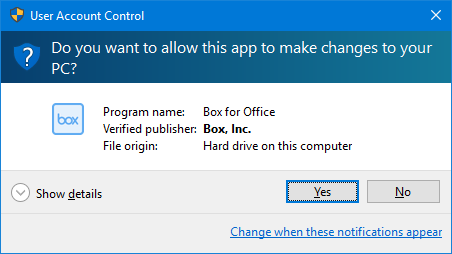
| At the User Account Control prompt, click Yes to allow the installation. |
|
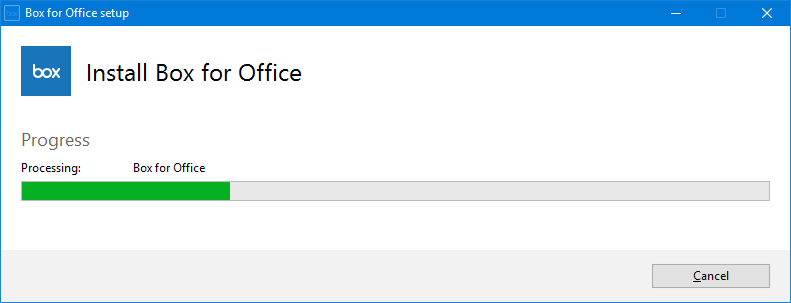
| Wait for a moment while the plugin is installed… |
|
| After installation click the Finish button. |

|
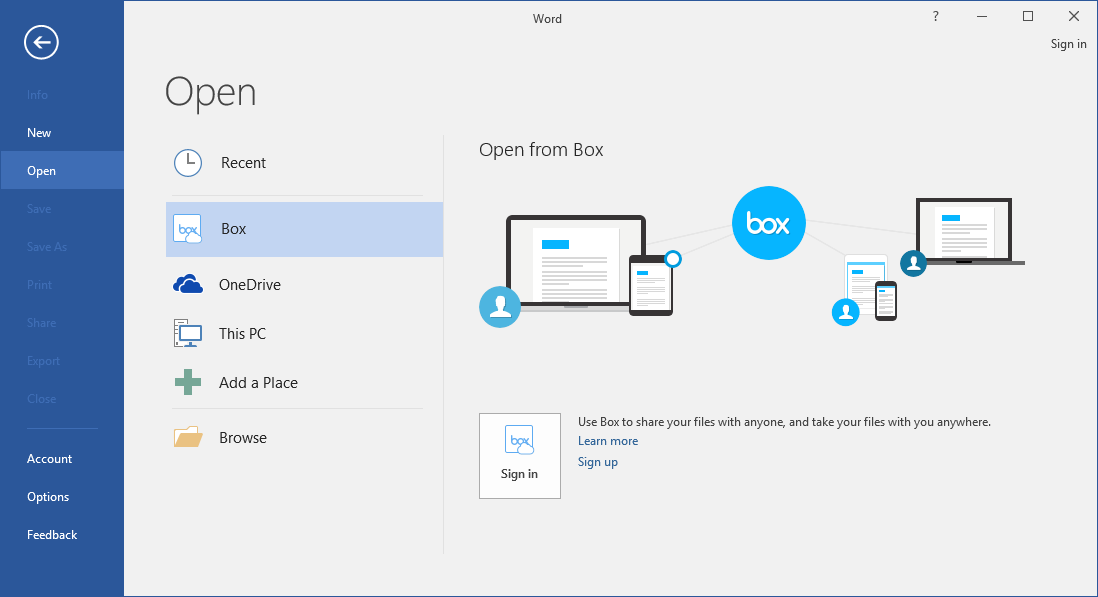
| You should now be able to access your Box files from the Open dialog in Microsoft Office. |
|